Archive has successfully tested with Veritas Backup Exec 20.4 release. Veritas Backup Exec is a fast, cost-effective, unified backup and recovery solution for cloud-ready organizations.
Pre-requisites:
- Operational Veritas Backup Exec release with S3 support (Veritas launched support for S3 in release 16-FP2)
- Operational Backup Exec Management Command Line Interface
Configure Archive Storage in Veritas Backup Exec:
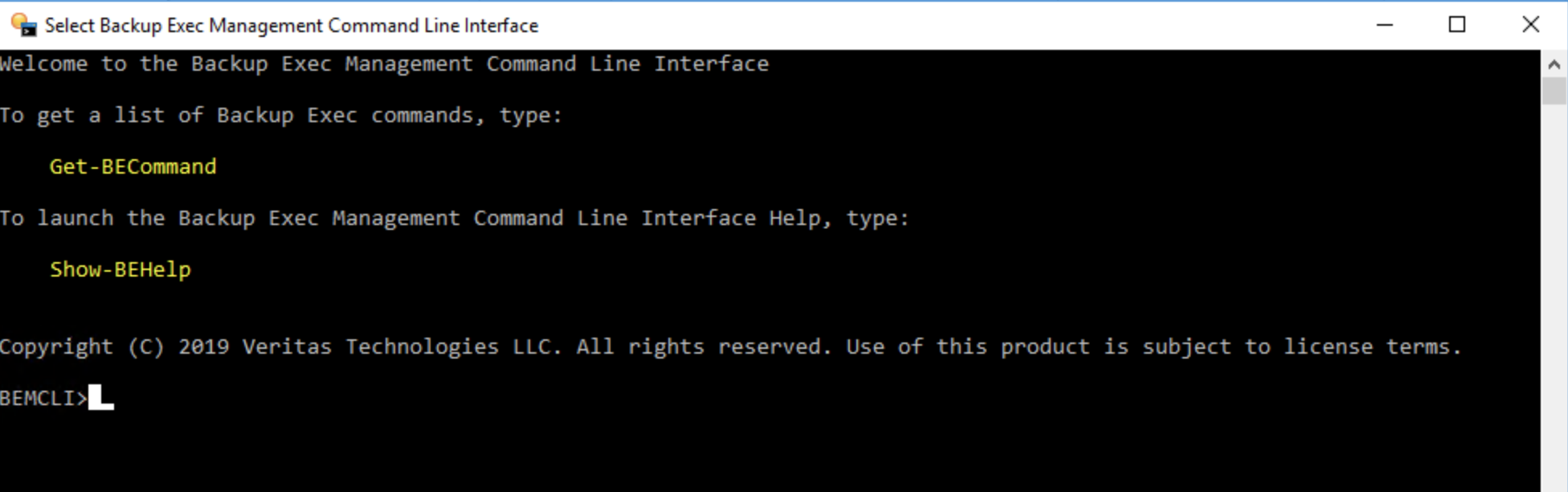
1. Launch Backup Exec Management Command Line Interface
2. Add Pro logic Cloud Storage as the cloud storage destination as follows:
- New-BECloudInstance -Name ProLogicCloud -Provider compatible-with-s3 -ServiceHost s3e1.prologicsystems.com -SslMode Full -HttpPort 80 -HttpsPort 443
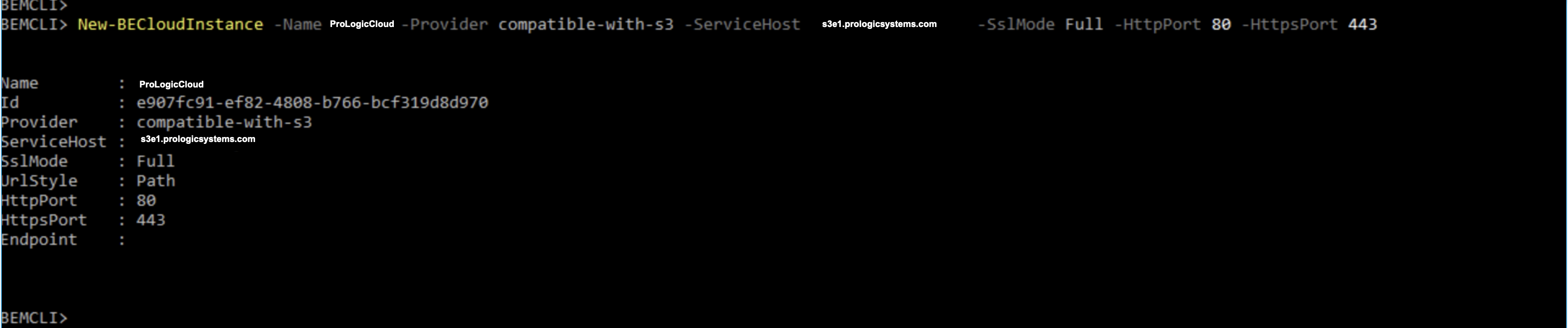
3. Once the above regions have been added, add them as storage repositories
4. Click on "Storage" tab
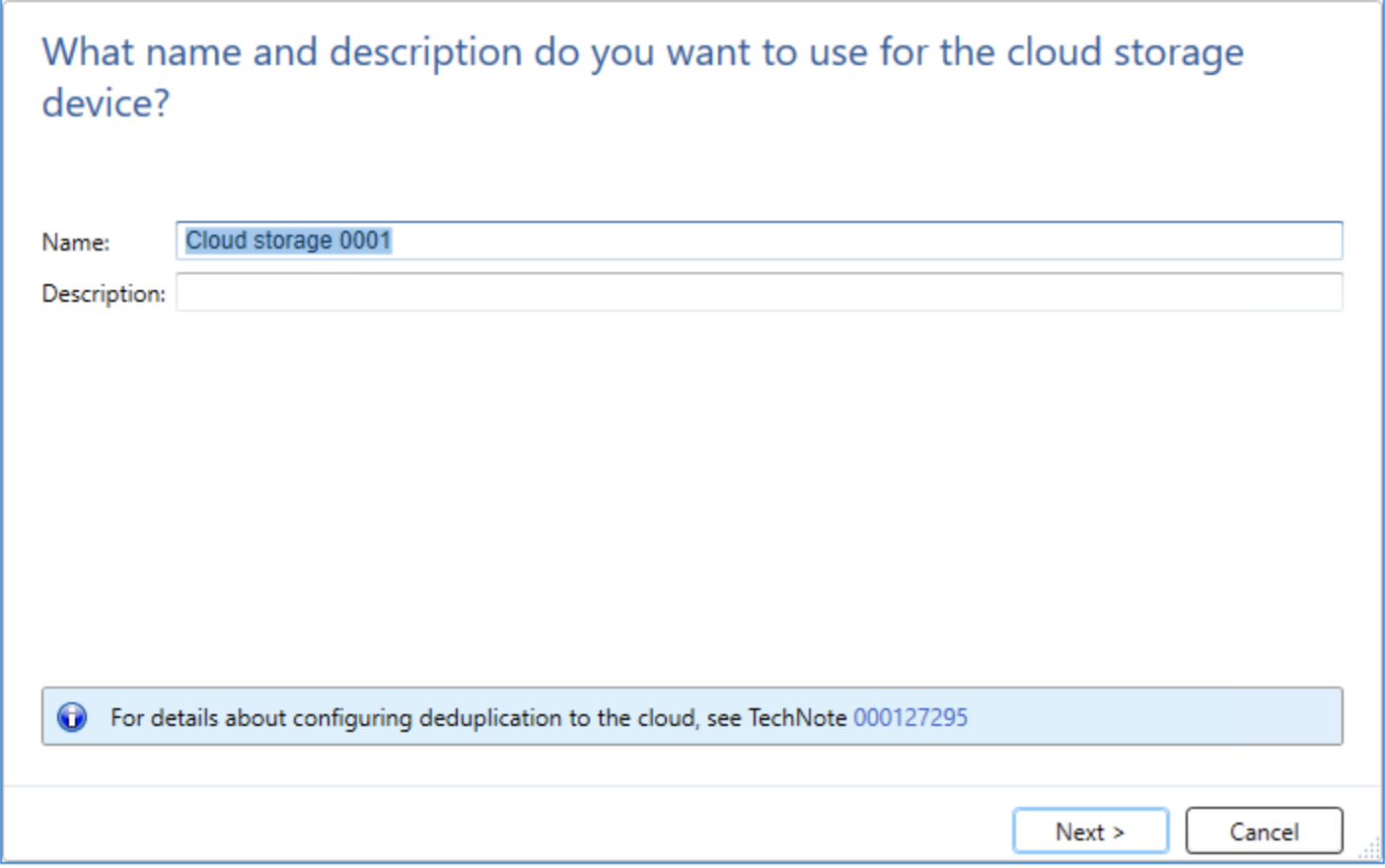
5. Click "Configure Cloud Storage"
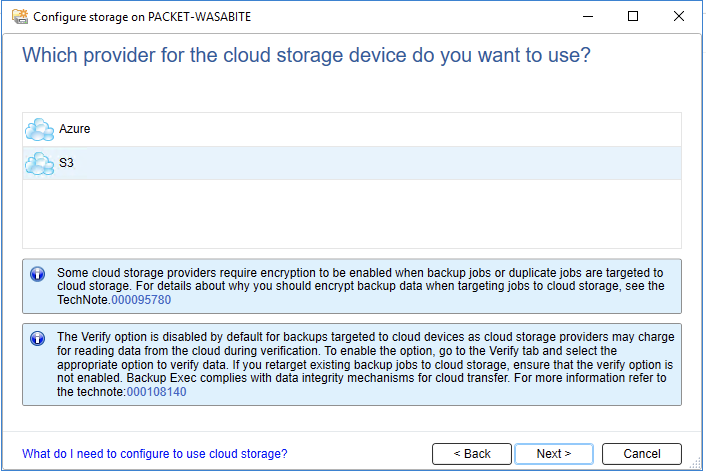
6. Choose "S3" and click "Next"
7. Choose "ProLogicCloud" from the drop-down list:
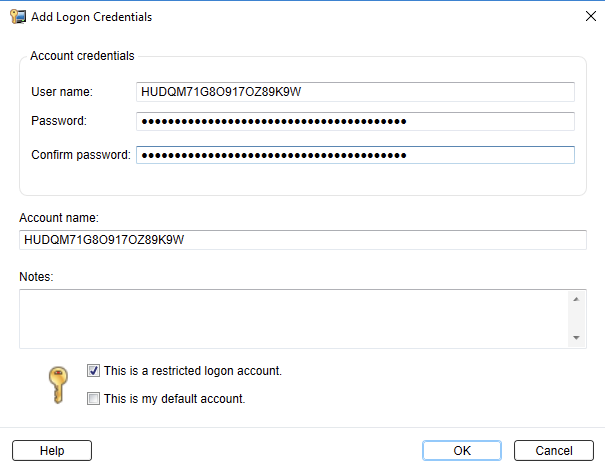
8. Click "Add/Edit" to add ProLogic Clouds S3 access & secret keys
9. Configure access/secret keys and click "OK" and click "Next"
10. Choose bucket and click "Next"
11. Review configuration and click "Finish"
12. Once operation completes, restart Veritas Backup services.